Slack Bot API Integration Architecture
Understanding which API surface to use prevents production failures during scaling.
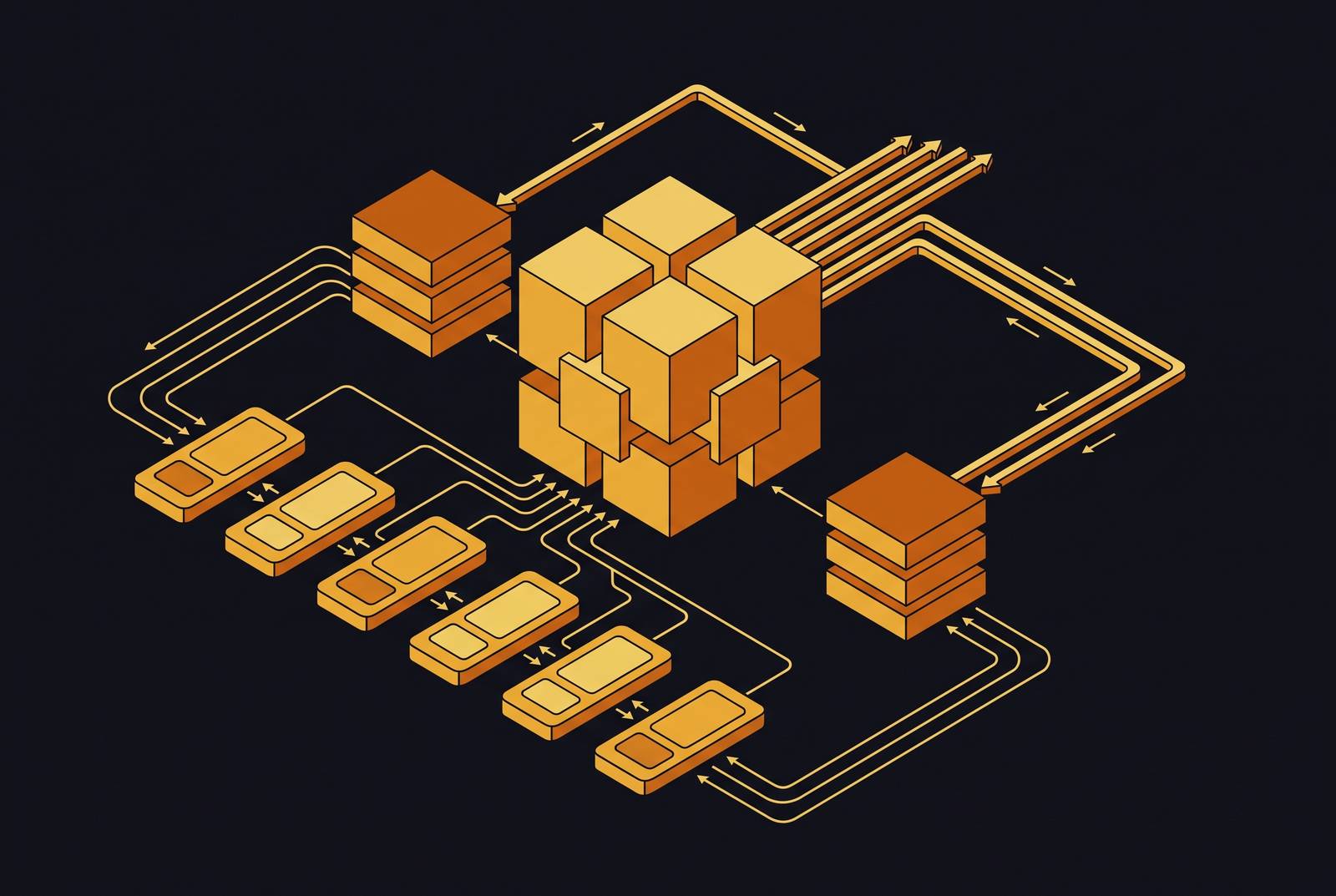
Slack's bot platform is six separate surfaces, each built for a different direction of traffic: Web API, Events API, Socket Mode, Incoming Webhooks, Slash Commands, and Interactive Components. Treating them as interchangeable pieces of a generic "Slack API" produces a bot that technically compiles but falls over the first time it meets production traffic.
Why Slack's bot platform is six surfaces, not one API
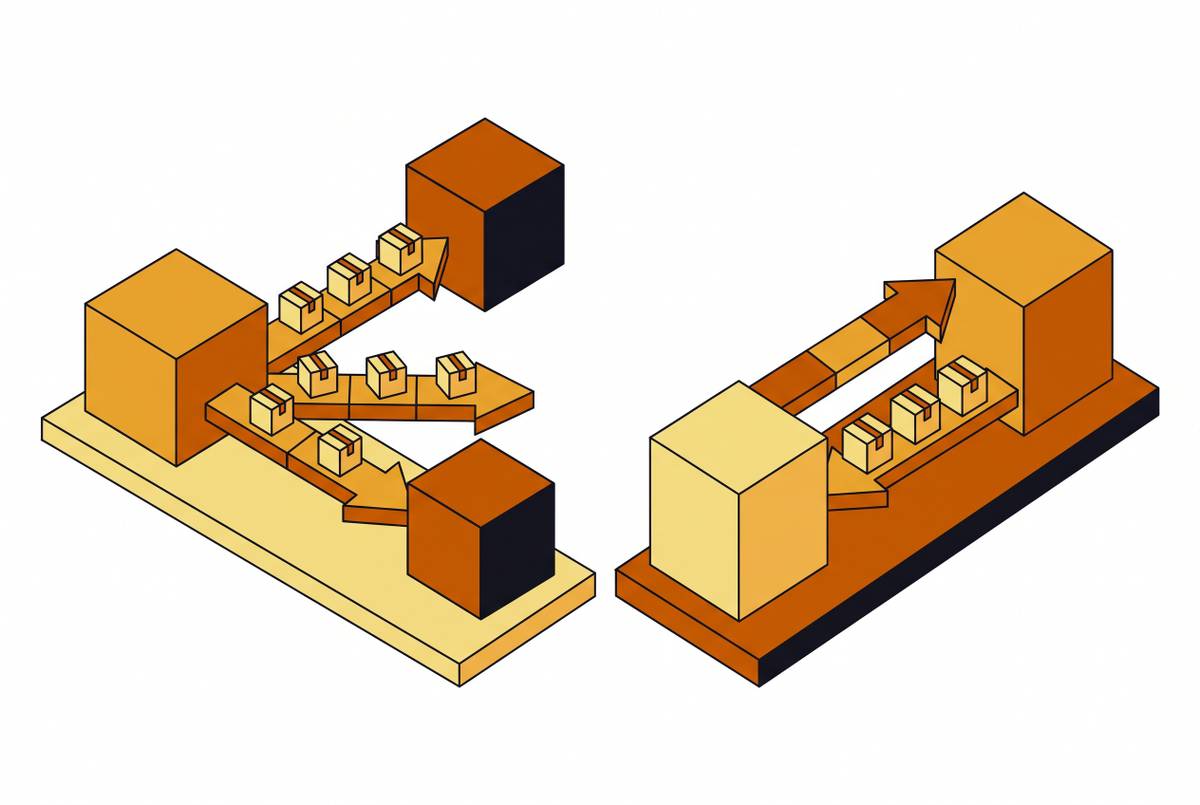
The Web API handles outbound calls: this is the bot talking to Slack to send messages, manage channels, or look up a user. The Events API runs the other direction: Slack sends an HTTP POST to the bot whenever something happens in the workspace. Socket Mode delivers those same kinds of events, but over a persistent WebSocket instead of HTTP, so there's no public URL to maintain. Incoming Webhooks offer a stripped-down way to post a message into a fixed channel, one-way only. A user types something like /todo, and Slack POSTs that request to the bot's endpoint. Interactive Components cover button clicks, menu picks, and modal submissions, anything a user does to a Block Kit element sitting in a message, a modal, or the App Home.
None of these six surfaces is a spare copy of another. Each closes a gap the others structurally can't touch. Incoming Webhooks can post, but they can't read anything back or respond to a click. The Events API tells the bot what happened, but it has no mechanism to start a conversation on its own. Interactive Components only wake up when a user acts on something already on screen. Swapping any one of these for another leaves the bot unable to do the job, no matter how cleverly it's coded.
The reason for the six-way split traces back to how Slack built its API in the first place: stateless, event-driven, HTTP-based, aimed at enterprise workflows rather than a single always-on gateway some competing platforms favor. A persistent, do-everything connection would be simpler to describe in a blog post. It would also be a lot harder to secure, scale, and audit across the tens of thousands of workspaces Slack supports. Splitting the traffic by direction and purpose is what makes the platform predictable at that scale.
How a bot's identity and token type constrain what each surface can do
Before picking a surface, a bot needs to know who it's allowed to be, and that comes down to token type and scope. If you mix up the two token types, or ship a scope list that's too thin, a perfectly reasonable architecture choice turns into an authorization error at runtime.
Slack bots generally work with the bot token, prefixed xoxb-. It represents the app's bot user inside one workspace and can only see conversations it's actually been invited into. There's also a user token, prefixed xoxp-, which represents one specific human and can see whatever that person can see. Most AI bots never need a user token at all, and reaching for one when a bot token would do is usually a sign the scope list wasn't thought through.
Scopes are where this gets specific. Posting into a channel the bot hasn't been invited to requires the chat:write.public scope, spelled out explicitly. If it's missing, the Web API call fails even when you have a valid token. That's a real expansion of what the bot can touch, and if the goal is to keep the bot locked to an allowlist of channels, that scope should be left off on purpose.
For a typical AI bot that reads mentions and replies in threads, the minimum workable scope set looks like: chat:write, chat:write.public, channels:history, groups:history, im:history, im:read, mpim:history, app_mentions:read, and users:read. Start narrow, with app_mentions:read handling the core job of responding when tagged. Only widen to reading every message in joined channels if the workflow genuinely needs it. Every event type added is more data flowing in, more cost, and more surface for something to go wrong.
The smart move is to write the scope list into the app manifest before you write a single line of handler code. That way the permission set stays small and auditable from day one, instead of something you discover piecemeal after a bot already ships broken in production. Keep that manifest in version control. When scopes change, the app has to be reinstalled to pick up the new permissions. If the reinstall is skipped, the old token keeps running with the old, narrower access, regardless of what the manifest now says.
What the OAuth install flow produces across workspaces
OAuth install isn't just a login screen a user clicks through once. The storage decision baked into that flow is the single biggest factor in how far the bot can scale beyond one workspace.
Mechanically, it's simple: the app redirects the user to Slack's OAuth page, Slack redirects back with a code, and the app exchanges that code at oauth.v2.access for a bot token (and, if needed, a user token too).
What happens with that token afterward splits into two very different paths. An internal bot, built for one workspace, needs just one bot token. There's no OAuth dance required at runtime, and the token can just sit in an environment variable. Simple, and genuinely sufficient for that use case.
A distributed app, the kind other companies install into their own workspaces, is a different animal. Every workspace that installs it gets its own separate bot token. There's no shortcut where one token works everywhere. That means the app needs a keyed lookup, typically a database row per workspace, keyed on team.id, storing the bot token, the bot user ID, and, for apps that opt into token rotation, a refresh token and its expiry.
That distributed pattern takes real engineering work to get right, but it's also the entry ticket for listing in the Slack App Directory. PKCE (Proof Key for Code Exchange) became generally available on March 30, 2026. Desktop and mobile apps can use it to run a more secure OAuth exchange, and they never have to embed a client secret in the app itself. Previously, PKCE access required an early-access request to Slack. Now it's a setting any app can turn on directly.
The most consequential architectural fork: Events API versus Socket Mode
Every decision up to this point sets the stage for the one that actually shapes how the whole system runs day to day: Events API or Socket Mode. It's a deployment architecture call, not a stylistic preference, and reversing it after launch means rebuilding how the bot receives traffic in the first place.
The Events API runs over plain HTTP, so it's stateless and it scales out easily. Multiple instances can each handle requests independently, with no persistent connection to babysit. That shape fits serverless platforms like Vercel Functions, Lambda, or Cloud Functions almost perfectly, request in, response out, scaling down to zero when nothing's happening. The endpoint has to acknowledge the event within a tight window. Anything that might run long, a database write, a call to another API, a model inference step, has to get punted to an asynchronous process. The endpoint's job is to say "got it" immediately, queue the real work, and let something else handle it. This also means the bot needs a real, publicly reachable HTTPS address, which is its own infrastructure commitment.
Socket Mode skips the public URL requirement. The app opens a persistent WebSocket connection out to Slack, and events flow in over that same connection. Slack caps how many connections an app can hold open, which rules out spreading load across a large fleet of instances at scale. If you run several replicas at once, each one opens its own socket, and Slack spreads events across them. If you don't handle idempotency carefully, you get duplicate writes, double-posted replies, and race conditions between replicas. The practical fix is to run Socket Mode as a single replica and accept that ceiling.
The working rule: Socket Mode fits local development and internal tools running on private or firewalled infrastructure where a public HTTPS endpoint just isn't on the table. The Events API fits production deployments running on cloud or serverless infrastructure, which covers most commercial bots. In security-locked, firewalled enterprise environments, Socket Mode might be the only path available. That's not a case against the Events API, it's a reminder that choosing Socket Mode in production means accepting its operational limits on purpose, not by accident. Practitioners who build production Slack bots still argue over this tradeoff, and they haven't settled on an answer.
In Bolt for JavaScript, the handler code barely changes between the two. Only the receiver swaps out. So moving from a Socket Mode dev setup to an Events API production deployment doesn't mean you rewrite the bot's logic, you just reconfigure how events get in the door.
What Bolt handles for the developer across all six surfaces
Bolt is Slack's official SDK, and its entire job is smoothing over the differences between those six surfaces: authentication, event routing, and message formatting all run through one consistent layer. It's available in JavaScript, Python, and Java, and it's the standard pick for teams that want new Slack platform features the moment they ship.
A few things Bolt takes care of without being asked. It checks the X-Slack-Signature header on every inbound HTTP request, so you know the payload actually came from Slack. Turning that check off on a production endpoint leaves the bot wide open to forged events that can spam channels or write garbage into a database. Bolt also runs the OAuth flow and token handling, and it routes incoming event payloads to the handler that matches the event type. The receiver abstraction makes the Events-API-versus-Socket-Mode decision painless at the code level: swap an HTTP receiver for a Socket Mode receiver, and the deployment model changes without touching a single handler function.
Bolt stops short of a few things, though. It has no built-in AI or natural-language understanding, and it doesn't manage state across a multi-turn conversation. For both, the developer needs separate libraries and has to set up a storage layer independently.
Version details matter here, because plenty of bots run on code that was written months or years before. Bolt for JavaScript v5.0.0 shipped in July 2026. It follows the Node Slack SDK's move away from axios toward the native Fetch API, it drops the deprecated Workflow Steps from Apps feature, and it raises the minimum Node.js version it supports to 20. A month later, in August 2026, the official Slack CLI reached v4.7.0, adding a slack app request command that checks an app's approval status, along with support for custom app icons. If you maintain an older bot, treat these version jumps as a checklist, not trivia.
Rate limits as an architectural concern, not an afterthought
Rate limits aren't a detail to patch in after launch. They need to shape the bot's design from the first sketch, because the failure modes they cause are the kind that are hard to trace and expensive to untangle once live.
Slack's Web API rate limits run across four tiers, Tier 1 through Tier 4, from the most restrictive requests-per-minute allowance to the most generous. Limits apply separately to each combination of API method, workspace, and app. Going over any of them triggers an HTTP 429 response with a Retry-After header telling the bot how long to wait. Separately, incoming event deliveries are capped on a 60-minute rolling window for each workspace-and-app combination. Crossing that cap means the endpoint no longer gets the real event payloads, it gets app_rate_limited events instead, which is Slack's way of saying the pipe is clogged.
Picture a job built to scan a workspace's history, run against one that happens to have hundreds of old conversations piled up. That job hits a global per-endpoint limit almost immediately. Because rate limits apply across the whole app, not just the one endpoint doing the heavy lifting, every other call the bot makes starts failing too: posting messages, looking up users, all of it, as collateral damage from one runaway job. So one bad batch job can take the bot offline for everyone else using it that hour.
User lookups carry a related trap. Resolving a long list of user IDs into display names by calling the API once per user burns through tier limits fast. The fix is users.list, which returns the whole workspace's users in pages, paired with an in-memory cache on a short TTL so repeated lookups never hit the network again. Batch the call, cache the result, then look things up locally. Calling the API once per user is the mistake; you fix it by batching and caching.
The acknowledgement deadline on event delivery is itself a rate-limit-shaped constraint, even though it's not labeled as one. For AI bots where model inference routinely takes longer than that window allows, the answer is the lazy-listener pattern: acknowledge the event immediately with a 200, hand the actual model call off to something like Vercel's waitUntil, then stream the real answer back with chat.postMessage followed by chat.update. That pattern keeps the bot inside its deadline while still giving the model time to think.
Idempotency and retry handling as first-class design requirements
If Slack doesn't get a 200 response back within three seconds, it retries the event. So a bot without idempotency handling will produce duplicate replies as a matter of routine, not as some rare edge case. That three-second clock is the same deadline pressure you saw drive the rate-limit section above. Miss it once under load, and Slack resends the event.
The fix is simpler than it sounds. Every event comes with an event_id, which doubles as a natural idempotency key. Store seen event IDs somewhere durable, Redis, Postgres, any store that survives a restart, and discard anything that's already been processed. That's the floor for a working idempotency setup, not a nice-to-have.
Skipping it causes the failure to look like this: one slow model response turns into three duplicate replies posted into the same thread. It's a visible, slightly embarrassing failure that appears reliably under any kind of load, which makes it exactly the sort of bug that's easy to reproduce and awkward to explain to a user watching it happen in real time.
Conversation context needs its own careful unit of scope. Per-channel memory is too broad, pulling in unrelated conversations. Per-user memory is too narrow, so it loses the thread of what's actually being discussed. The right unit is per-thread, keyed on thread_ts and stored somewhere durable like Redis or Postgres. So every reply gets the right context, and nothing leaks from one conversation into another.
For AI responses that take a moment to generate, Slack's classic pattern is to call chat.postMessage once to create the message, then follow up with chat.update on a batched cadence as more of the answer comes in (Slack also offers a native streaming API through chat.startStream, chat.appendStream, and chat.stopStream). Update too fast and it looks jittery. Update too slow and the response feels dead on arrival. And no matter how that pacing gets tuned, the special-tier rate limit on chat.postMessage, one message per second per channel, sets a hard ceiling on how fast any of it can move.