Salesforce Integration Architecture Decisions That Break at Scale
Early architectural choices in Salesforce integrations fail silently until scale exposes them.
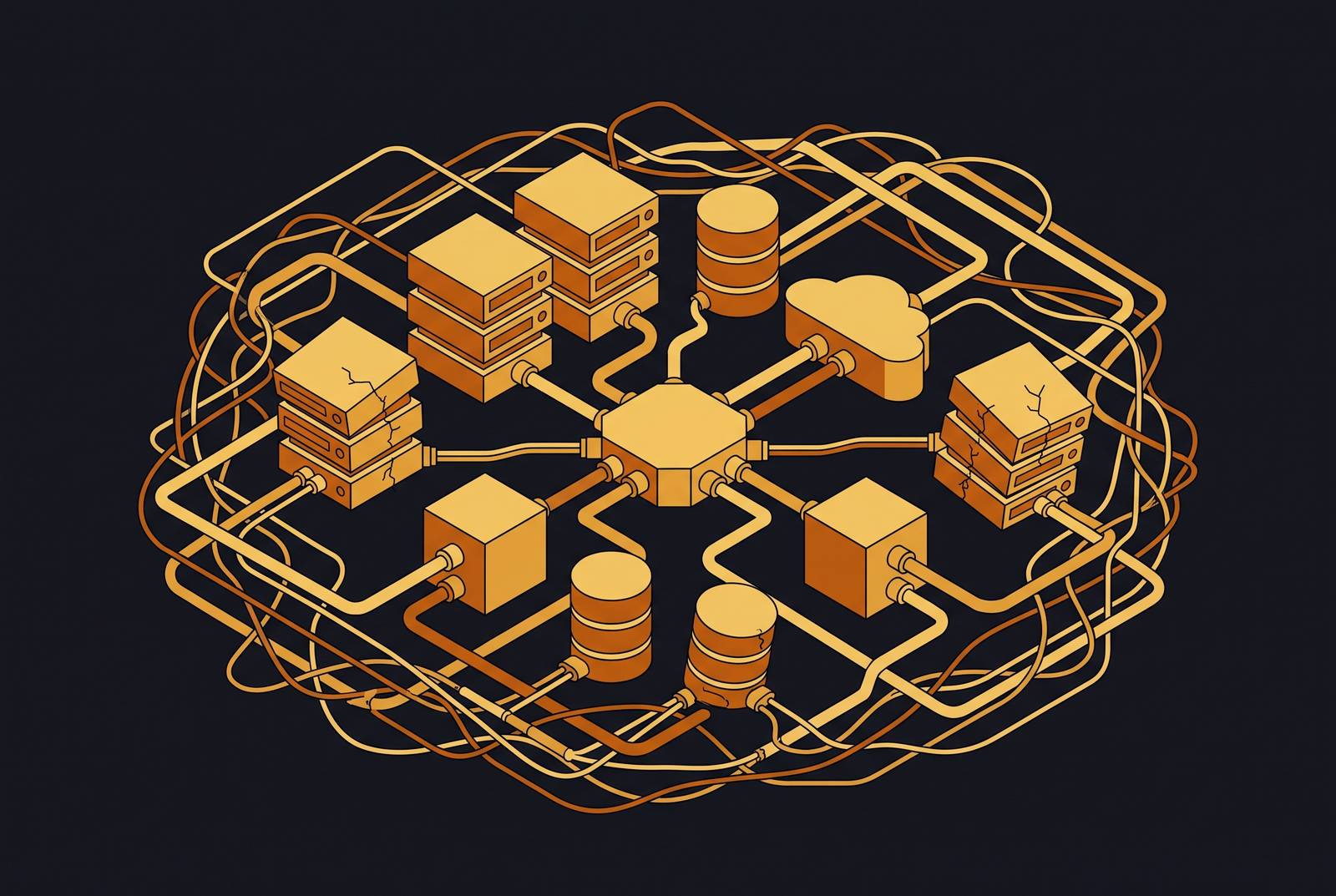
Some Salesforce integration choices, point-to-point wiring, synchronous-first patterns, monolithic org design, inconsistent authentication, look completely fine on day one and turn into structural failures nobody can afford to fix later. This piece maps which decisions those are and why they get worse instead of better as usage climbs.
The numbers on CRM projects generally are rough enough to make anyone wince Xillentech Salesforce Codex. The pattern this article is really about is not launch-day disasters, but slow-motion ones.
None of this is cheap to unwind. Deferring architectural fixes carries a real, ongoing cost that nobody explicitly agrees to absorb Xillentech.
The decisions in this article are cheap and invisible at low volume. Growth is what exposes them, not the original choice itself. From here, the article walks through the specific decision categories roughly in the order an architect runs into them, from initial org design through automation layering and on to identity governance.
When Salesforce Does Too Much
Somewhere along the way, a lot of teams start treating Salesforce like it should be the answer to everything: the data store, the business logic engine, the orchestration layer, and the integration hub, all at once. Salesforce's own architectural guidance, published in May 2026, calls this out directly: piling every responsibility into one platform creates tight coupling between systems, cuts scalability, and raises the risk profile of every future deployment.
A real estate customer cited in that same guidance built its tax calculation logic inside Salesforce because stakeholders had already committed to keeping the process there, and one phase of it was already live in production. What looked like a scoped, contained decision turned into a dependency chain nobody could unwind without a major rebuild.
The fix is straightforward to describe, even if it is harder to execute once you are three years in. Keep Salesforce doing what it is good at, core CRM work, and push heavy processing out to a dedicated external service, with an integration layer or middleware handling the routing between them. A separate service built for tax calculation would have scaled and been maintained far more easily than logic added to the platform because it was convenient at the time.
Synchronous Integrations That Collapse Under Load
Synchronous REST callouts are the default for a reason: they are familiar, quick to wire up, and return an answer immediately. The trouble appears once load increases.
A vacation club org connected its room reservation system to a global property engine using synchronous REST callouts, and every single "Closed Won" opportunity had to wait on an external booking confirmation before it could close Grazitti. During the holiday season, exactly when volume peaked, the external engine slowed down, Salesforce started throwing timeout errors, and sales agents could not close deals they had already won Grazitti. The business did not lose those deals to a competitor. It lost them to its own integration pattern.
Synchronous design means latency stacks up, failures cascade, and an upstream transaction lives or dies based on how fast a downstream system responds. Governor limits make this worse: callouts are capped at 100 per transaction with a 120-second timeout, and at real volume these limits are reached Salesforce Tutorial Grazitti. Polling suffers from a related problem. Composio's 2025 report on AI agent integrations found that polling wastes 95 percent of API calls, burns through quota, and still never delivers real-time results.
Salesforce's own May 2026 guidance states: evaluate business use cases against timing and volume requirements before selecting an integration approach, because not every data sync needs to be real-time Grazitti. Some do. Most do not.
Point-to-Point Connections That Multiply Uncontrollably
Point-to-point connections grow at n*(n-1)/2 as systems are added, so what starts as one connection becomes dozens without anyone making a single wrong decision. Adding a fourth system introduces breakage during seasonal release updates, field mapping drift as CRM schema changes, and authentication tokens expiring without clear ownership of the refresh logic.
Each connection carries its own authentication logic, its own error handling, its own retry behavior, and its own assumptions about the schema on the other end. Change one system and every system wired to it directly is a candidate for breakage. At scale, field mappings drift as someone adjusts the CRM schema, auth tokens expire because nobody was ever assigned to own the refresh logic, and integrations break during Salesforce's seasonal release updates. These are predictable, systemic events on a fixed schedule.
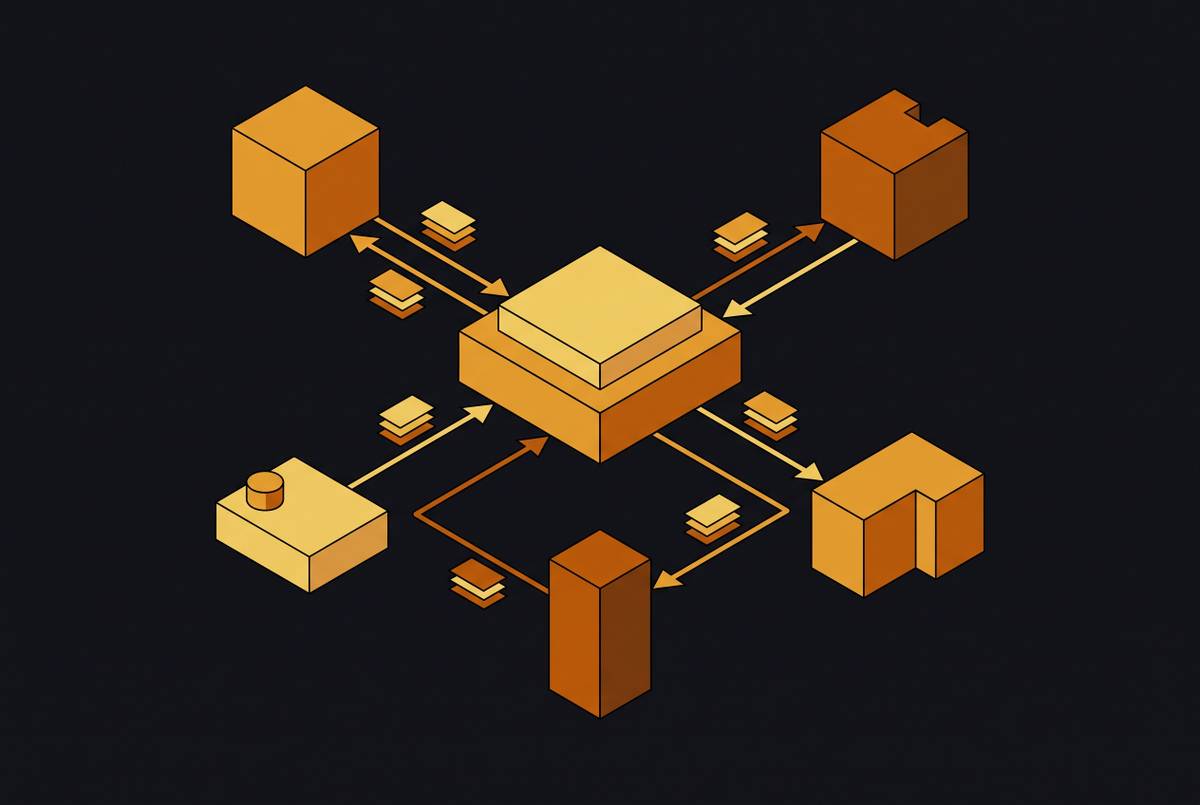
One write-up on Medium covering integration anti-patterns describes exactly this shape: solutions that work fine at launch, do not scale, and accumulate technical debt until performance degrades across the board. The fix is architectural. Moving to an API-first layering model, System, Process, and Experience layers, as described in TechForce Services' January 2026 guidance, means new systems connect to a hub instead of to each other, and governance, transformation, and retry logic all live in one place. For genuinely complex, high-volume landscapes, an enterprise service bus adds multi-step orchestration, protocol mediation, and centralized logging, at the cost of more components to manage.
Hub-and-spoke introduces a single point of failure and some latency overhead that point-to-point connections do not have. It is a trade, and usually a good one at scale, but it requires its own operational investment.
Deprecated Automation Running Alongside Current Flows
Workflow Rules and Process Builder both lost official support from Salesforce on December 31, 2025, though anything already running continues to run. The problem is that they kept running while everything around them changed. Many orgs still have them firing side by side with Flows on the same objects.
At low record volume, nobody notices. At scale, it becomes a hard ceiling on throughput. When deprecated automation and Flows both fire on the same object, execution order becomes unpredictable because no single tool shows the full picture of what ran and when, which turns debugging into a slow reconstruction of events from partial logs.
Salesforce's own well-architected guidance points to a tool called ApexGuru that proactively flags throughput-limiting anti-patterns, including SOQL in loops, DML in loops, and expensive method calls, which tend to appear during the half-finished migration period between old automation and new. DML and SOQL inside loops are the classic offenders that hit governor limits the moment bulk operations appear. Platform event publishing counts against DML limits, with event processing on the subscriber side tracked separately.
Migrating to Flow is no longer optional cleanup. Before touching any integration work, audit for objects running mixed automation tools, because conflicts there produce integration failures that are easy to misattribute. Process Builder runs approximately 10x slower than equivalent before-save Flows, and approximately 4x slower than after-save Flows, a performance gap that is invisible at low volume but becomes a throughput ceiling at scale.
Governor Limits as Your Integration's Hidden Ceiling
Governor limits are deliberate design choices built into Salesforce's architecture. They are runtime constraints that keep one org's runaway process from consuming resources meant for every other tenant on a shared, multi-tenant platform. Hard limits throw an exception the instant you cross them, which at least makes the failure visible. Soft limits degrade performance quietly, with no exception thrown, until enough of them accumulate that something finally breaks in a way people notice.
The categories that matter most for anyone building integrations are SOQL queries, DML statements, CPU time, heap size, and callouts, and each one fails differently under load. Callouts cap at 100 per transaction with a 120-second timeout, which REST API integrations reach at volume Salesforce Tutorial. Daily API calls on Enterprise Edition top out at 100,000 per day, or 1,000 per user, and exceeding that cap stalls whatever business process was depending on the integration ForceShark.
Bulk API avoids Apex governor limits entirely, but it carries its own separate rate limits and processing constraints, so teams that switch to it to avoid Apex ceilings usually encounter a different ceiling on the other side. All of this makes the earlier patterns, synchronous callouts, point-to-point sprawl, monolithic org design, more dangerous than they appear, because they do not just fail slowly. They fail with a hard exception that blocks the transaction outright. Monitoring usage against these limits before something breaks is the only way to get any warning in advance.
Data Models That Break Every Integration Built On Them
Enterprise Salesforce orgs with 400 or more custom objects and 500-plus relationships show up repeatedly in practitioner write-ups. The recurring finding is almost always the same: the hardest architectural problem in these orgs is the relationship model, not the Apex code, the integration platform, or the Flow automation.
A bad data model does not stay contained. Teams spend more time correcting records than using them, reports lose credibility, integrations require constant maintenance, and every new feature request takes longer than the last to deliver. The root cause is usually straightforward: someone reached for the relationship type they already knew, lookup instead of master-detail or the reverse, rather than the one that matched how the business objects actually related to each other. That one decision ripples outward. Every integration built on top of a mismatched data model has to compensate for it, which means field mapping logic grows, transformation layers multiply, and any schema change on either side of the integration introduces new errors.
A practitioner write-up on salesforcecodex.com frames this as the "day one, day 500" problem: a decision that looks completely reasonable when made, and turns expensive by day 500. Validate the relationship model against how the business actually works before any integration design starts. Integration complexity is very often a symptom of a data model that never matched reality.
Auth Token Expiry as an Integration Killer
Three failure modes occur repeatedly in Salesforce Marketing Cloud integrations: integrations break during Salesforce's seasonal releases, field mappings drift as the CRM schema changes, and auth tokens expire because nobody was ever assigned to own the refresh process. That last one is the quiet killer. The failure traces to an ownership gap, and ownership gaps are not visible in code review.
Salesforce is also mid-shift on the authorization model itself: External Client Apps, or ECAs, are becoming the preferred model for supported integration flows, replacing Connected Apps. Per updated guidance from July 2026, this pushes toward a more governed, more decoupled way of managing integration identity.
That shift matters for anything already built. Architectures still running on Connected Apps without a migration plan are carrying identity technical debt, because the authorization model they were designed around is being phased out. The direction is fairly settled: OAuth 2.0 and JWT for authentication that scales, Named Credentials so secrets never live in code, and an API gateway to manage traffic, all per TechForce Services' guidance. Identity requires continuous attention and ownership, and it determines which integrations survive the next seasonal release and which ones do not.
Test Environments That Hide Production Performance Problems
If integrations are not mocked properly, or if test payloads are much smaller than what production actually sends, tests will pass over performance problems that are real and waiting. Concurrency is where this gap becomes most visible. Performance testing has to simulate concurrent load to catch scalability issues, and a test suite that runs everything single-threaded and sequential will pass an architecture that fails the moment real, simultaneous users hit it.
Salesforce's own May 2026 guidance on architectural mistakes is specific about the fix: apply bulkification principles in Apex, design Flows to be bulk-safe, build with large data volumes in mind from the start, and test against realistic load scenarios before anything ships to production.
This section sits at the end of the anti-pattern list for a reason. Every failure mode covered earlier, synchronous callouts buckling under load, governor limits triggering mid-transaction, deprecated automation colliding with Flows, would get caught by testing that mirrors production. The absence of that kind of testing is what lets all of them slip through. Realistic testing means production-scale payloads, production-level concurrency, and production-scale record volumes in the sandbox.
The Event-Driven Architecture That Replaces These Patterns
Salesforce's own event-driven guidance points toward Platform Events and Change Data Capture as the mechanism for publishing record and field changes to other systems. The platform's current direction is the Pub/Sub API for any new publish/subscribe pattern, with a plan to migrate existing Streaming API connections over when feasible.
Every event carries a unique Replay Id, which subscribers can use to pull past events back off the Message Bus. That is the mechanism that lets an event-driven system recover cleanly after a subscriber goes down, instead of losing whatever happened while it was offline. MuleSoft builds directly on this pattern, subscribing to Salesforce Platform Events and CDC events through its Salesforce connector, receiving them in real time off the Event Bus, and reacting to changes immediately without polling for them.
Salesforce's own decision guidance notes that smaller message payloads process faster, but pushing enough volume of messages through means the sheer count becomes its own performance bottleneck. Payload sizing requires ongoing tuning, not a one-time configuration decision. The realistic architecture keeps Platform Events, Streaming APIs, and Outbound Messaging handling background processing, so the synchronous, user-facing parts of the system stay responsive even when load spikes. The goal is not to eliminate synchronous patterns entirely. It is to reserve them for cases where the business genuinely needs an immediate response, and let everything else process asynchronously.
Sources
- Salesforce Integration Patterns and Best Practices for 2026
- The 2025 AI Agent Report: Why AI Pilots Fail in Production and the 2026 Integration Roadmap | Composio
- 5 Common Architectural Mistakes in Salesforce Implementations
- Scalable Salesforce Integrations: API-First 2026 Guide
- Failed Salesforce Implementation? Here’s The Architecture Rescue Playbook | Xillentech
- Anti-Patterns of Salesforce Integration Architecture: What You Need to Avoid | by Poonam Keswani | Medium
- Data Architecture Anti-Patterns Every Architect Should Avoid (Part 1) | SalesforceCodex